Trojan fix?

I have seen the post where it says you can use an updated nightly build of LibreHardwareMonitorLib.dll, but if I get the latests it doesn't work. I rename the old one to LibreHardwareMonitorLib.dll.bak and copied the new one into C:\Users\{user}\AppData\Roaming\mobro-data\service\plugins\modbros_librehardwaremonitor. When I reload the plugin or restart ModBros it fails to load the plugin. Anyway to fix this?
I also noticed not only does C:\Users\{user}\AppData\Roaming\mobro-data\service\plugins\modbros_librehardwaremonitor get flagged as a directory with trojans, so does C:\Windows\SystemTemp\UDDD87D.tmp and some other similar named tmp files. They are flaged when I load ModBros.
Hi had the same issue, and had to quit for a simpler solution that gave more stability and overall performance, and most important of all, more flexibility on designing my own dashboards.
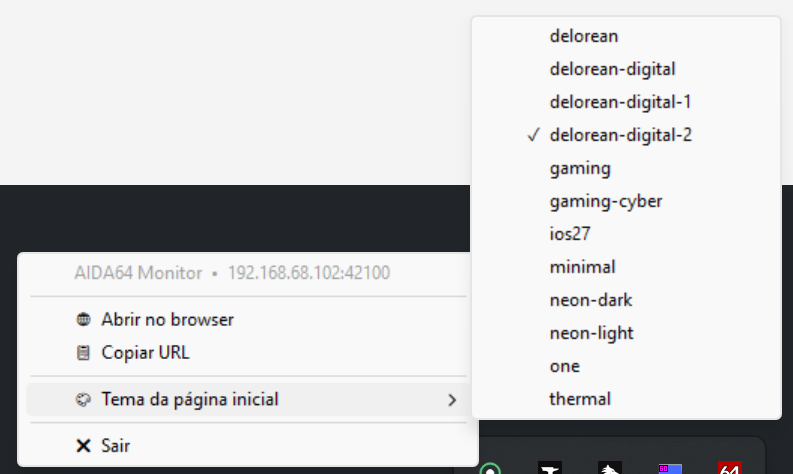
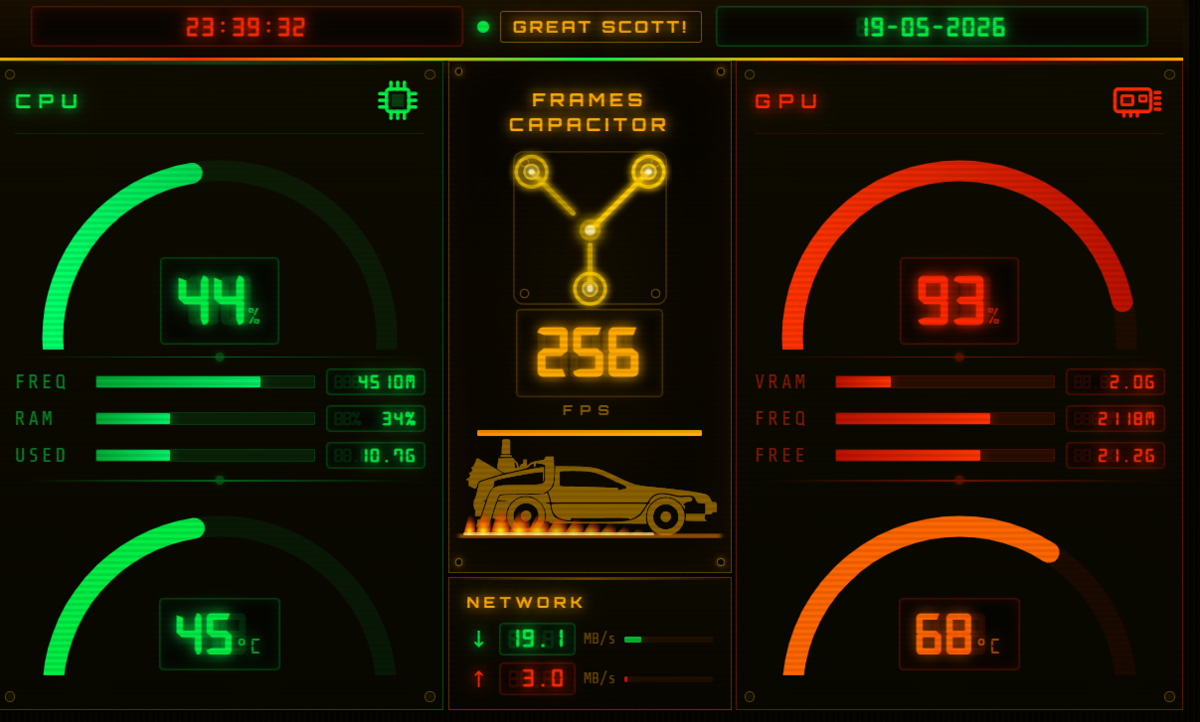
I ended up giving up on the windows mobro software, and use only aida64 with a custom python made app that does pretty much what mobro does, regarding the option for adding new themes and starting on windows boot. I ended up building a complete custom made dashboard for my Pi running on a 5'' Screen.
Hi @magnificent3
Sad to see you go.
We already addressed and fixed the Trojan issue back in January, so this shouldn't be an issue for quite some time now, given that you are running the latest version of MoBro and the plugins.
This issue was also not unique to MoBro, but affected lots of hardware monitoring tools. See https://faq.mobro.app/troubleshooting/winring for more details.